Skip to content

About ShowFloor

Everything a card show needs, in one place

ShowFloor is a card show platform that helps collectors find trading card shows near them, vendors get tables and grow a following, and showrunners run their shows from the first vendor application to the day the doors open.

Card Back

The back of your trading card, online

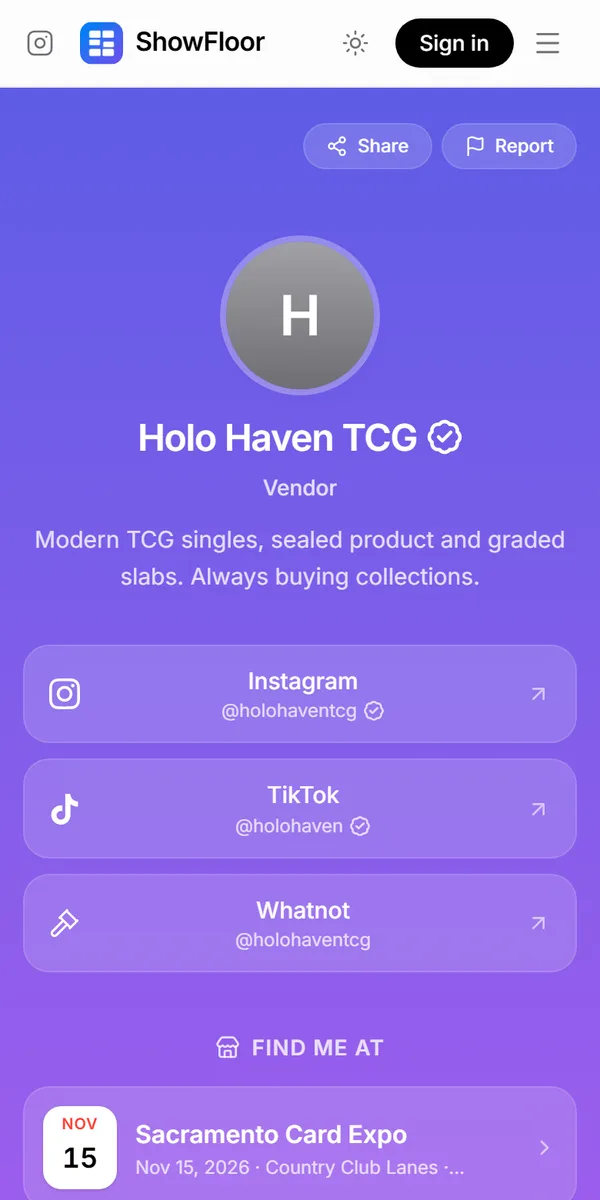
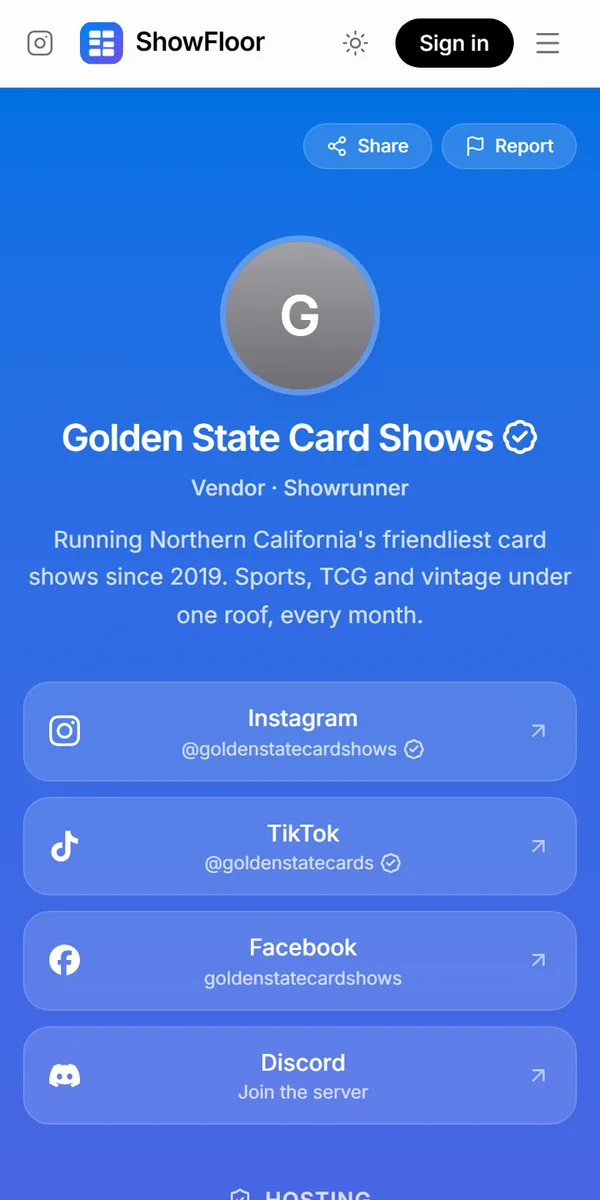
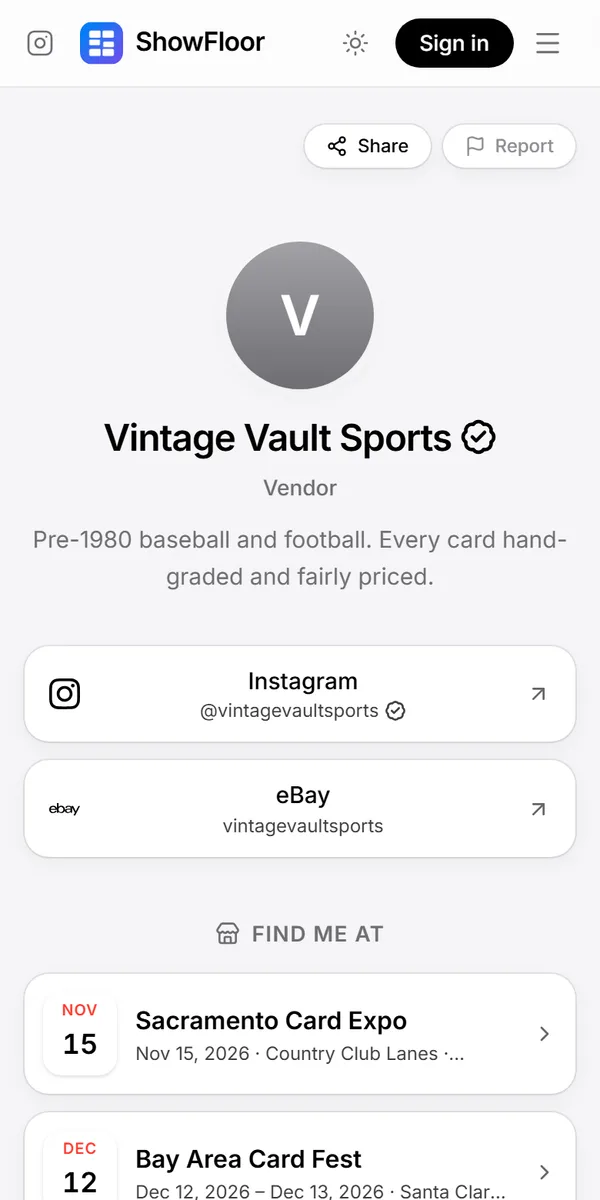
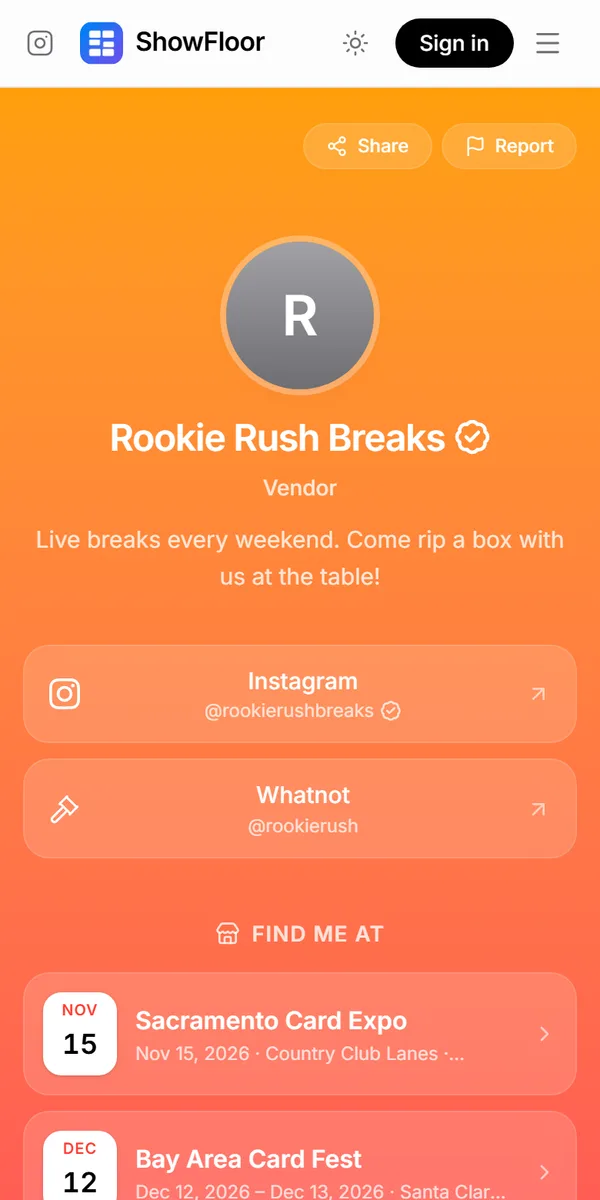
Like the back of a card shows a player's stats, a Card Back shows who you are: your bio, your verified social accounts and every show you'll be at. Vendors and showrunners get one link to put everywhere.

  • A vendor's Card Back in the Grape theme
  • A showrunner's Card Back in the Ocean theme
  • A vendor's Card Back in the Classic theme
  • A vendor's Card Back in the Sunset theme

One address, yours alone

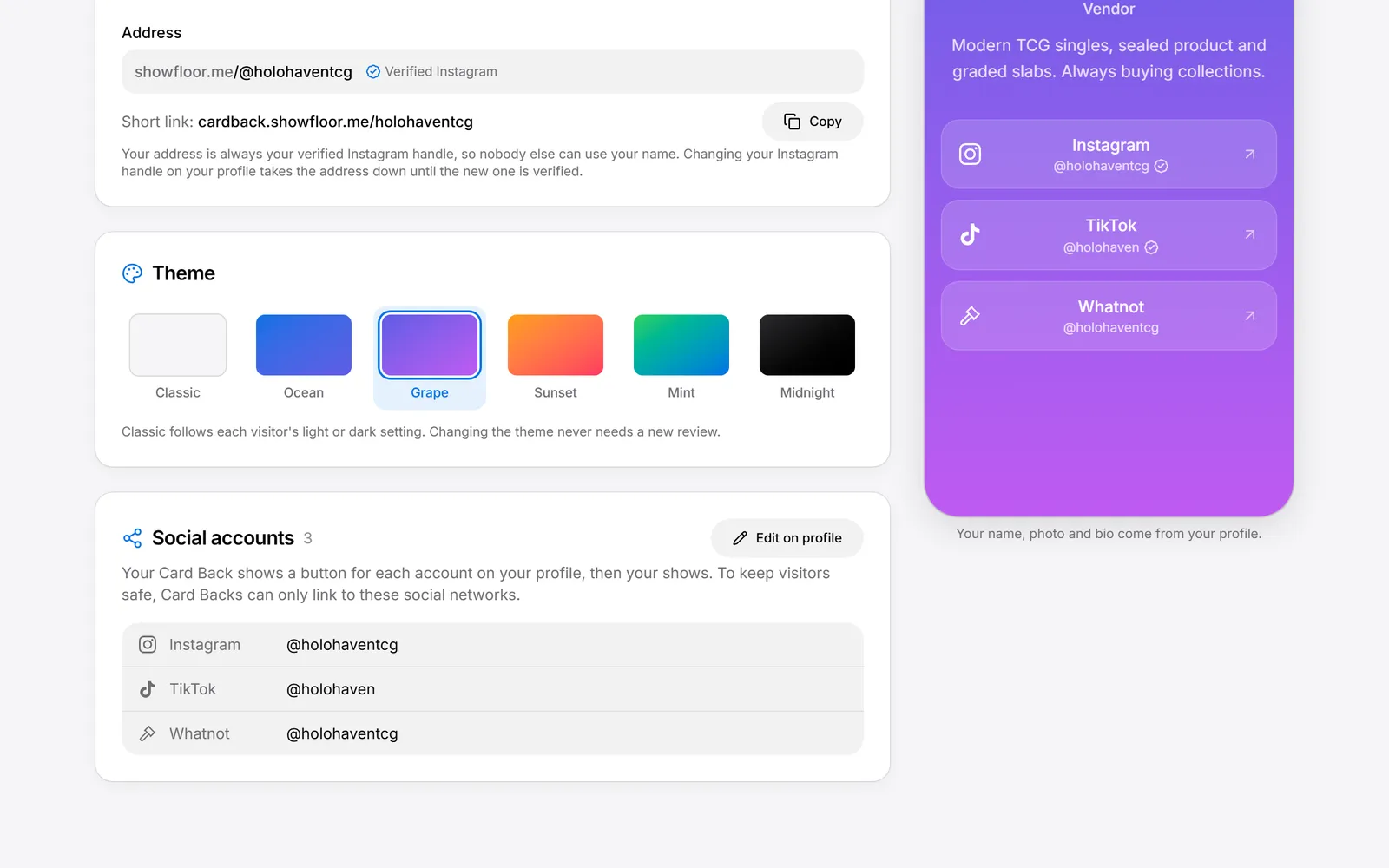
Your Card Back lives at showfloor.me/@yourhandle, with a short link at cardback.showfloor.me/yourhandle. The handle is always your verified Instagram, so nobody can claim your name, and every page is reviewed before it goes live.
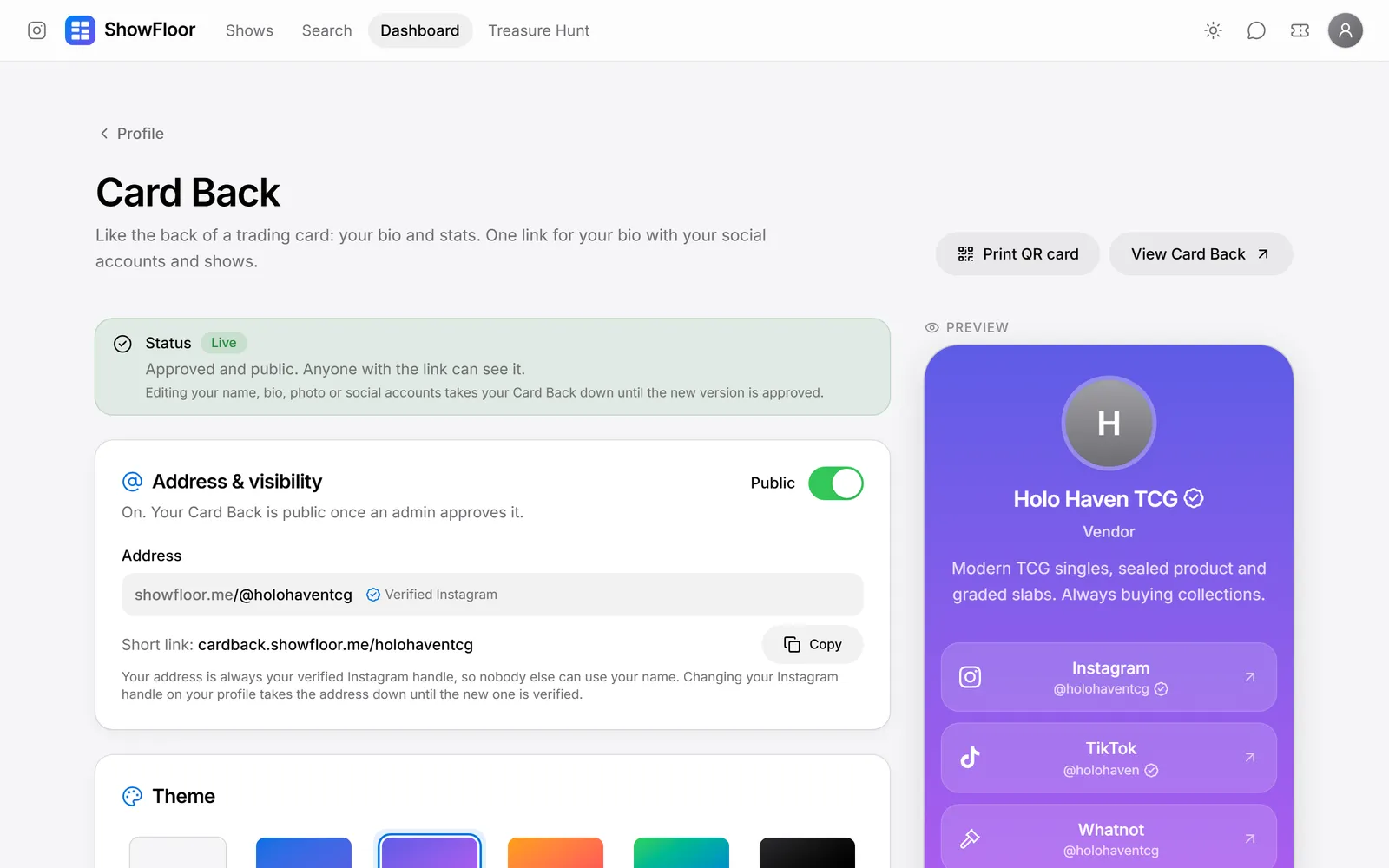
Six themes and a live preview

Pick Classic, Ocean, Grape, Sunset, Mint or Midnight and see the result as you go. Your name, photo, bio and social accounts come straight from your profile, and your upcoming and past shows fill in on their own.

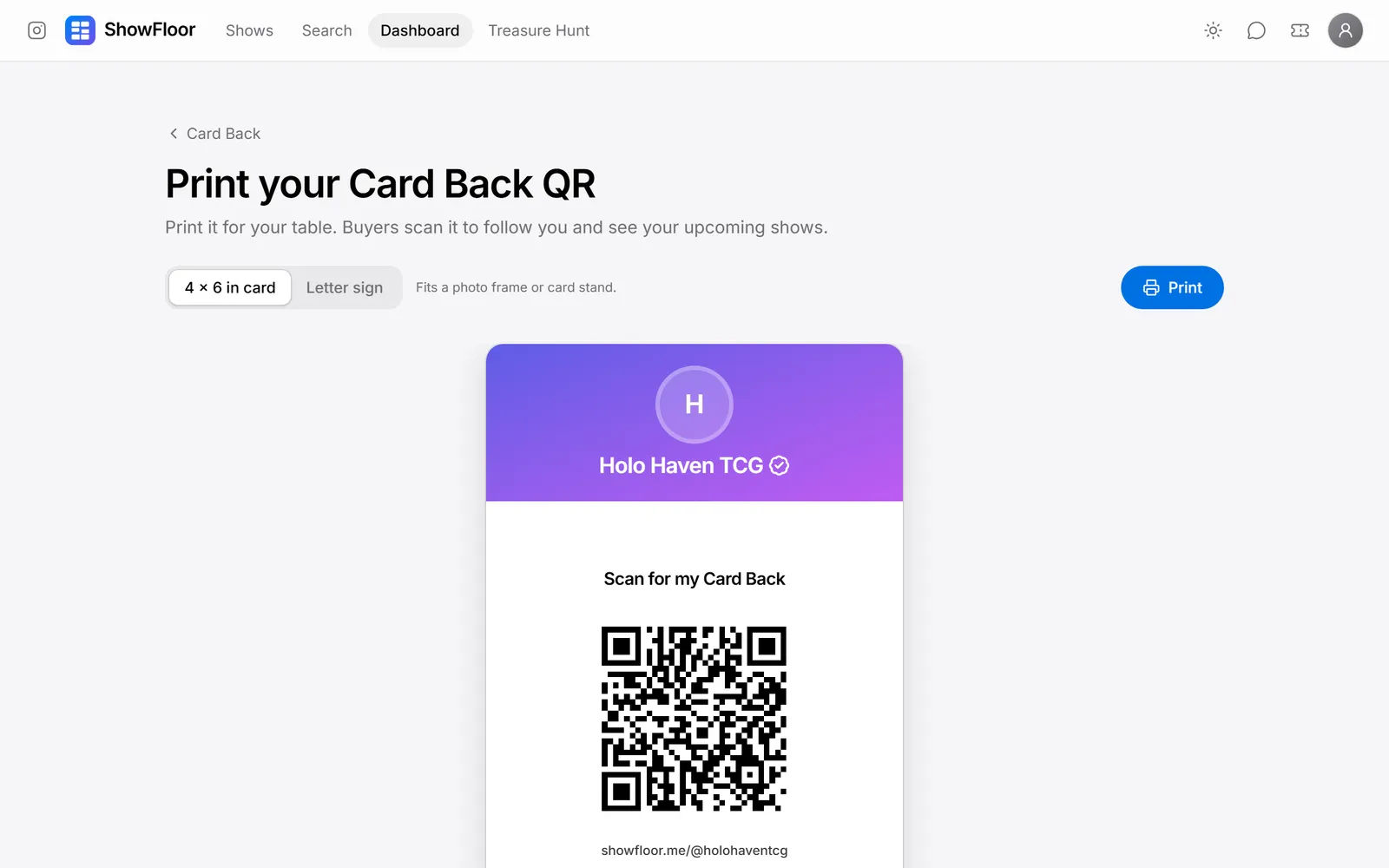
A QR card for your table

Print a 4×6 card or a letter-size sign with your QR code, name and socials. Buyers scan it to follow you and see where you'll be next.

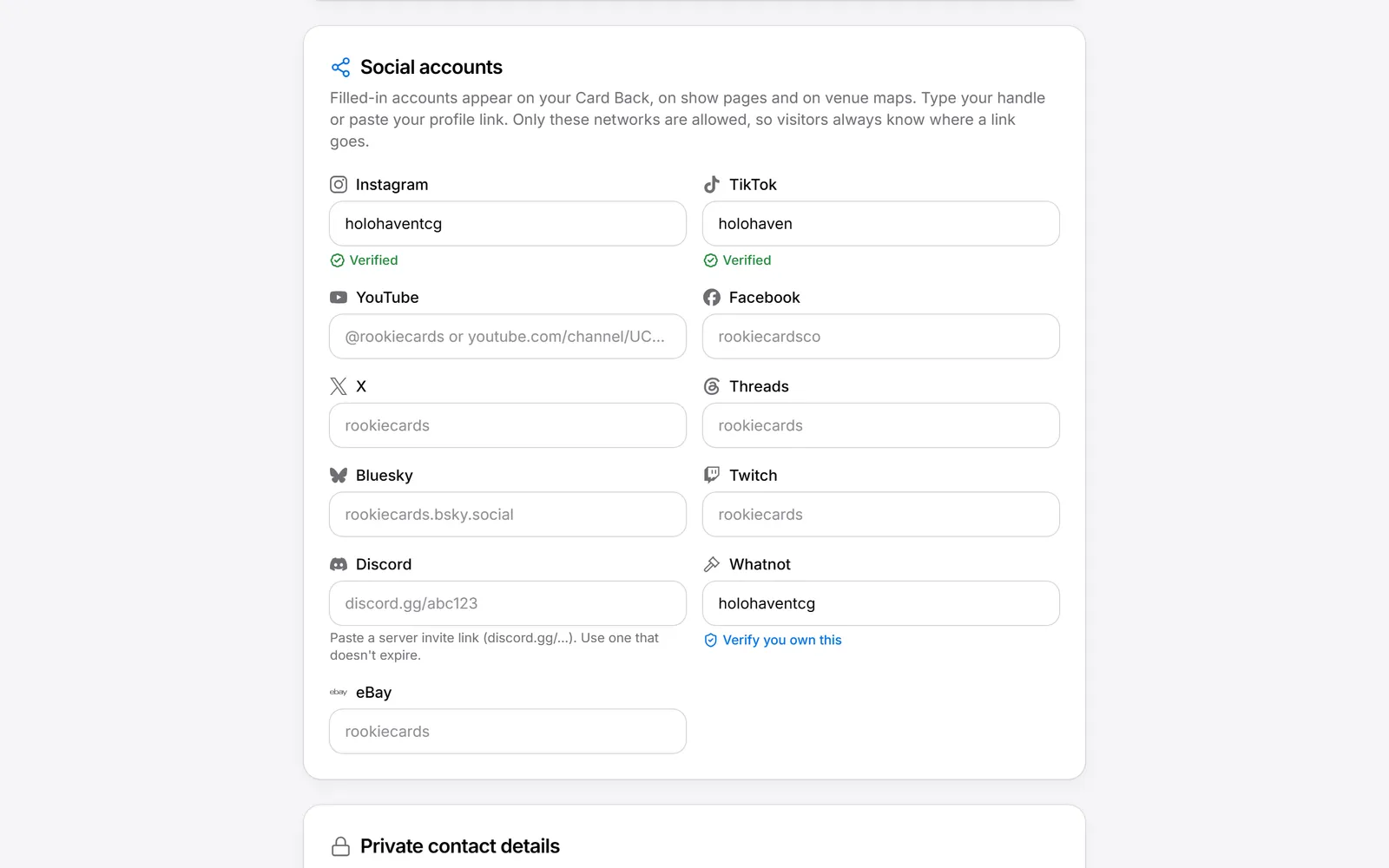
Verified social accounts

Add Instagram, TikTok, YouTube, Whatnot, eBay and more. Verified accounts get a check on your Card Back, the show's vendor list and the venue map, so buyers know it's really you.

Running a show

From the first application to the last ticket at the door

Showrunners plan, sell and run their show from one dashboard. Bring co-hosts along, and everything you publish shows up on the public show page.

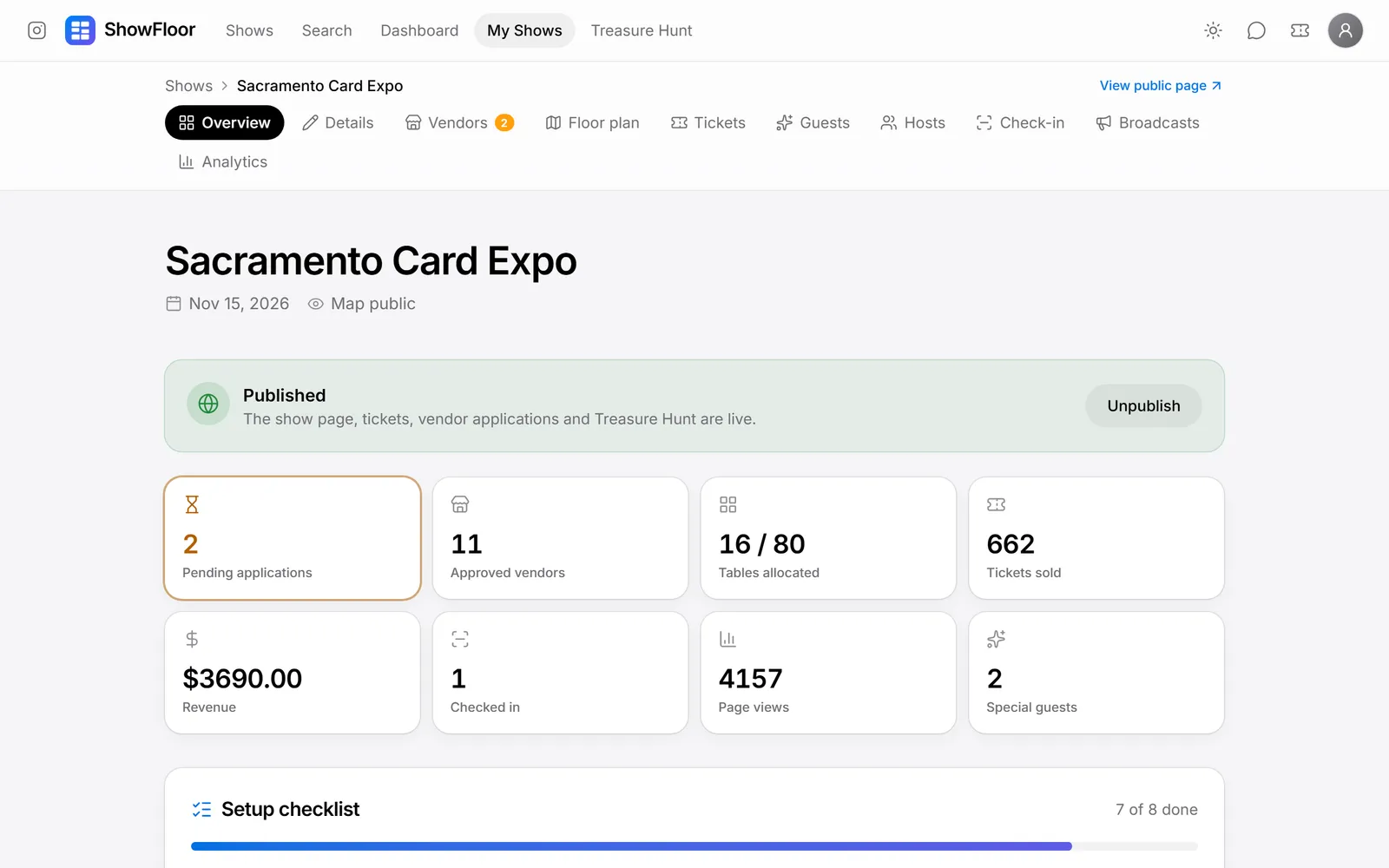
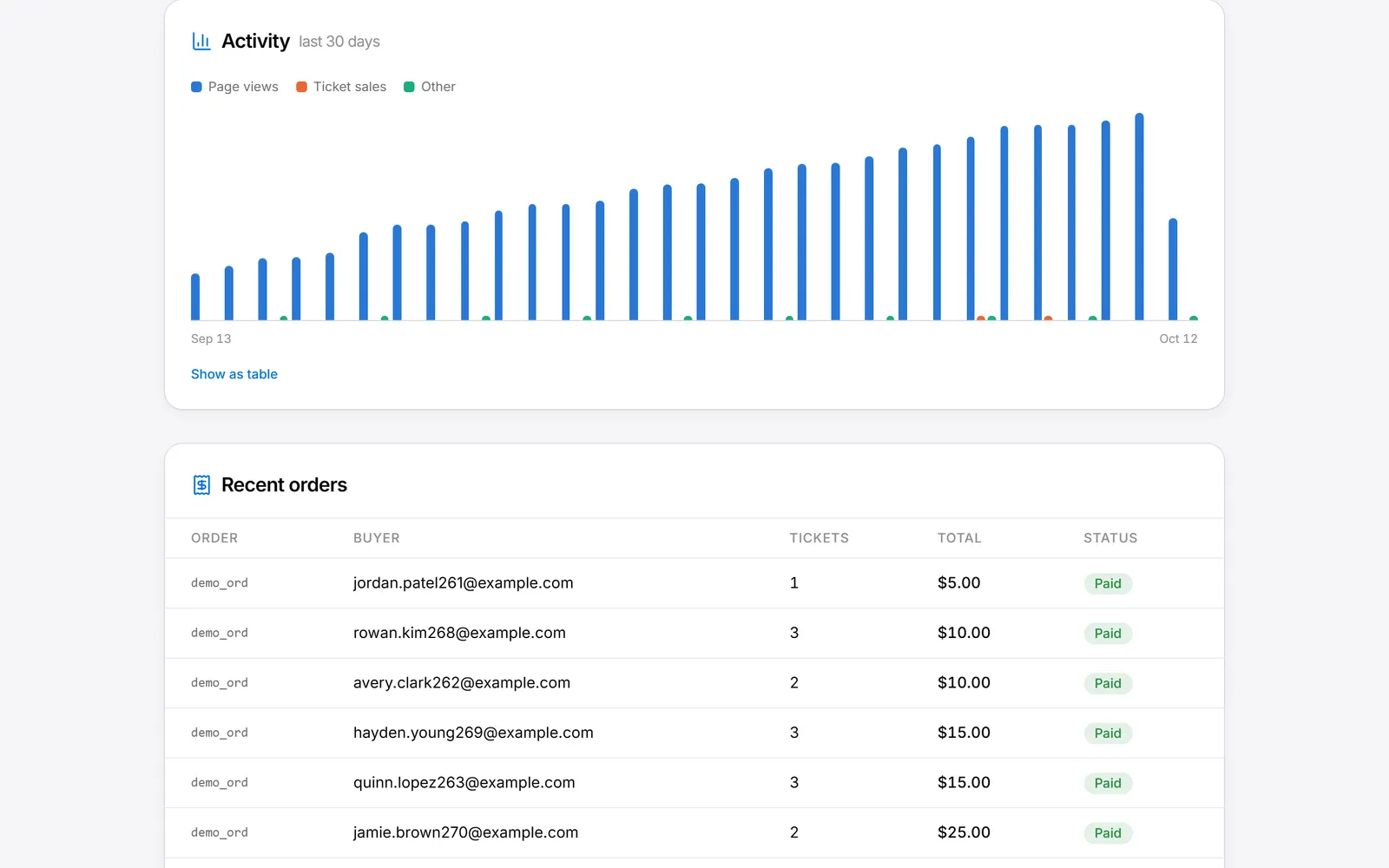
Everything about your show at a glance

Pending applications, tables allocated, tickets sold, revenue, check-ins and page views on one overview, with a setup checklist that walks you to launch.

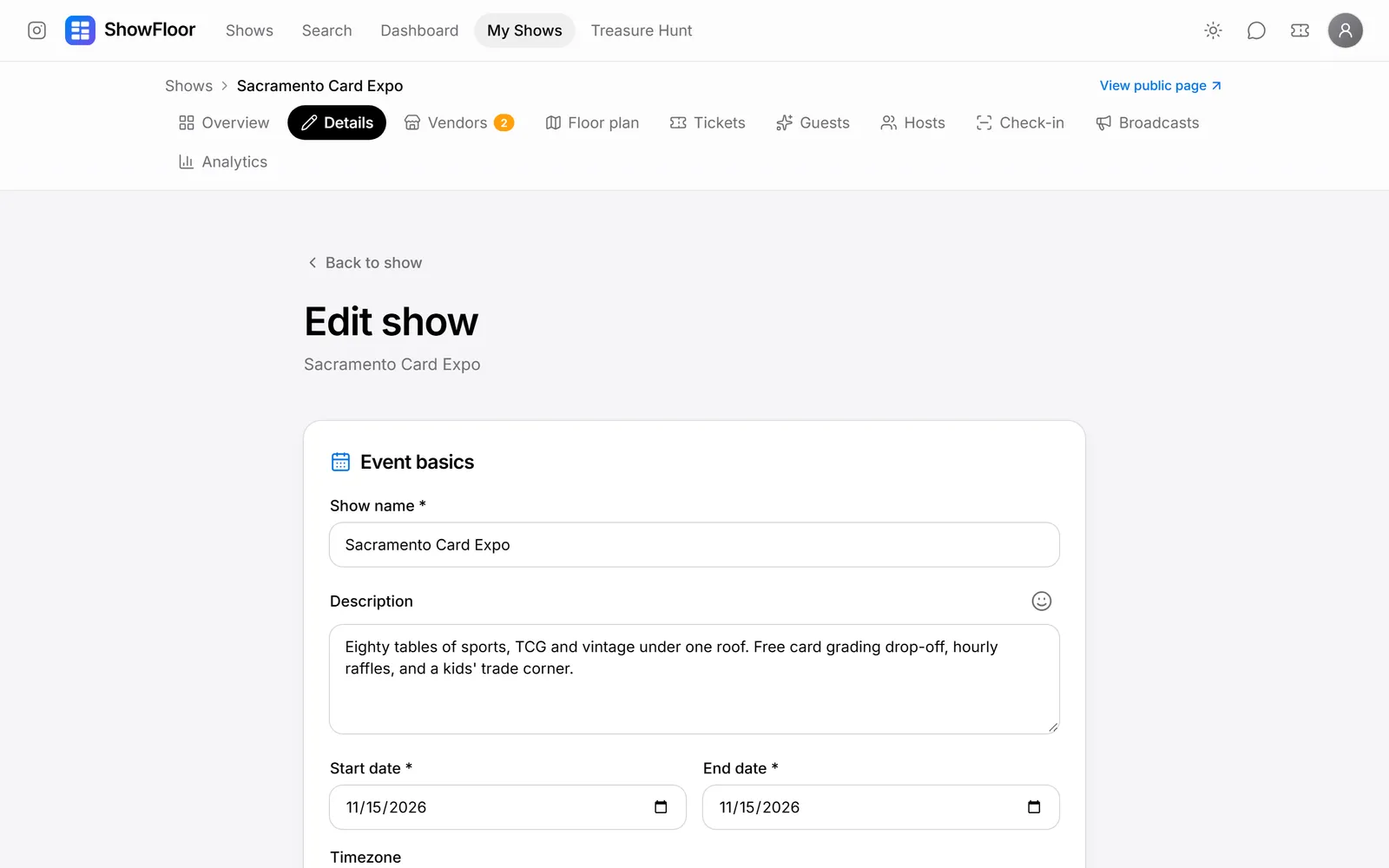
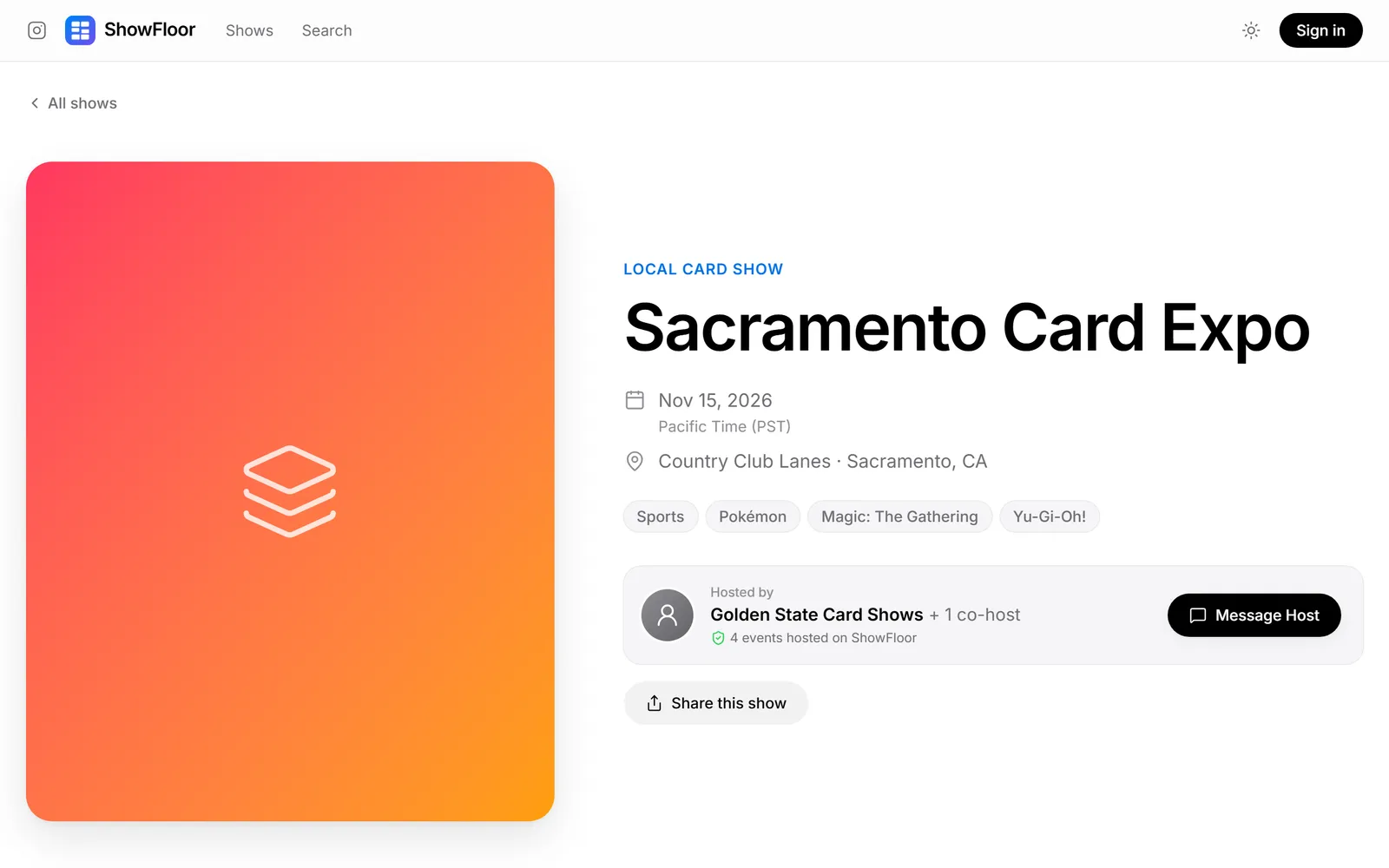
Show details

Dates, daily hours, venue, card types, flyer, contact details and extra info sections. Save as a draft, then publish when you're ready.

Vendor applications

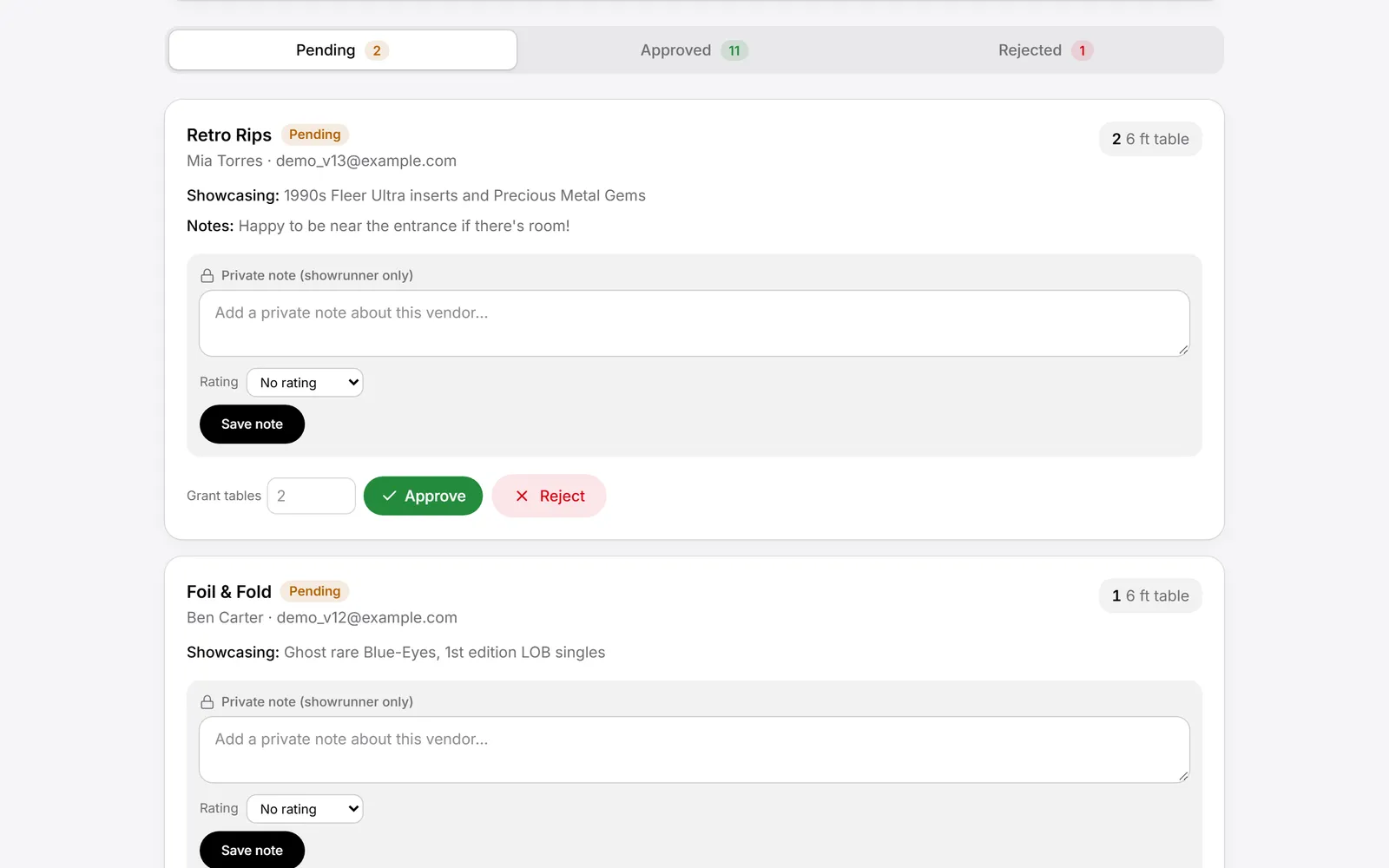
Share one application link. Review each vendor's showcase and notes, keep private notes and ratings, then approve with the number of tables you're granting. Table sizes and limits keep the floor from overselling.

Floor plan editor

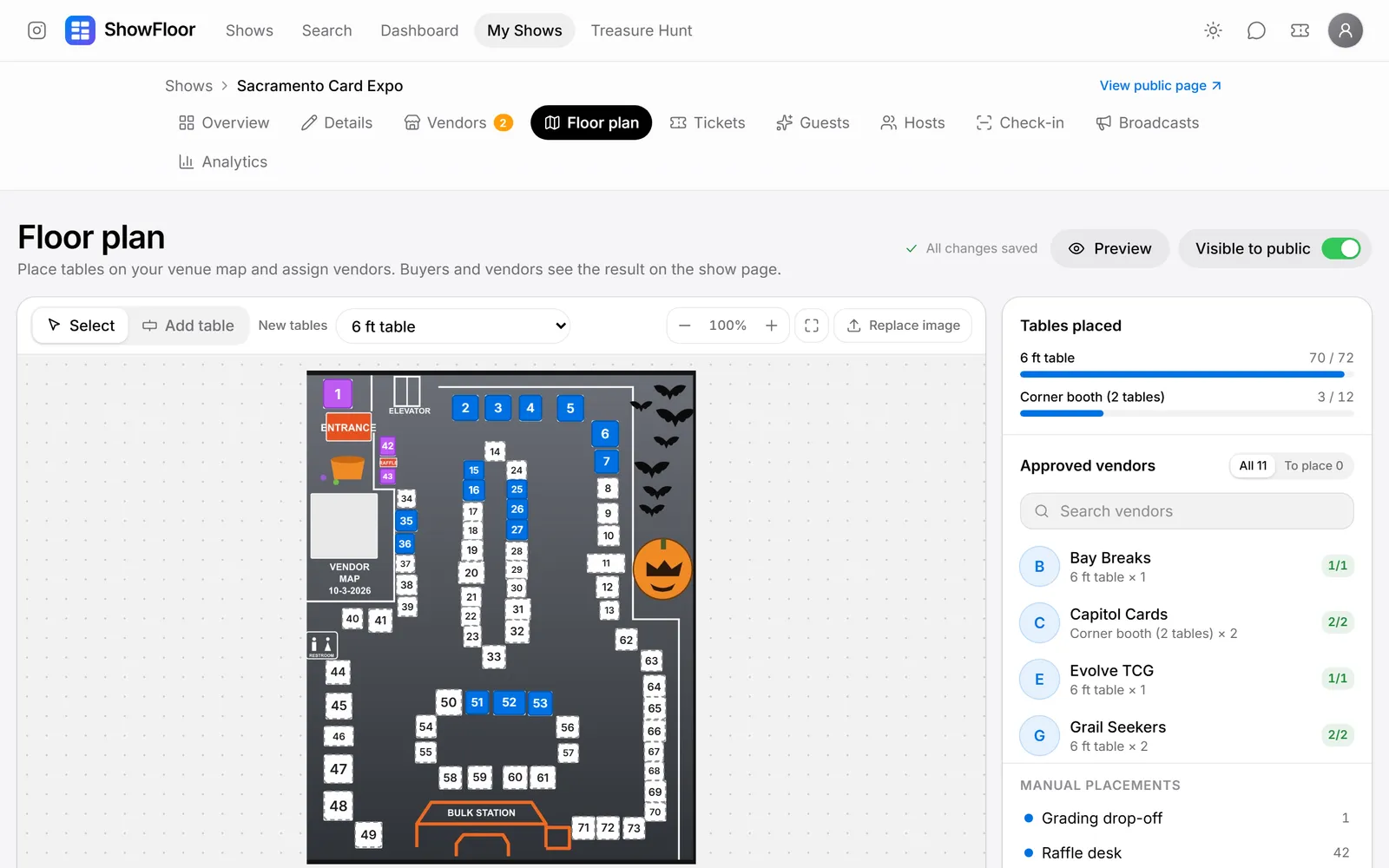
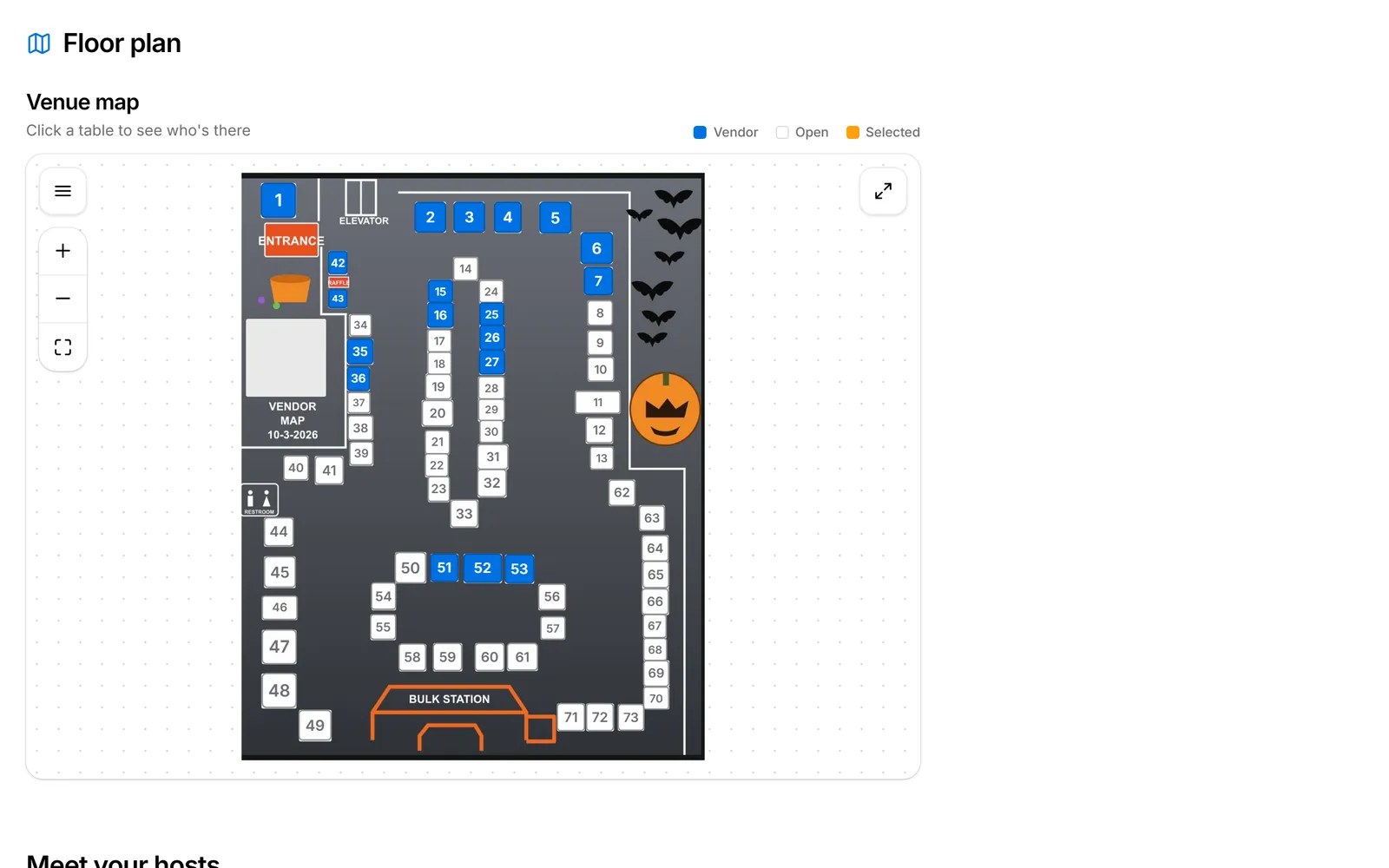
Upload your venue map, drop tables on it and assign approved vendors. Buyers click a table on the public show page to see who's there.

Ticketing

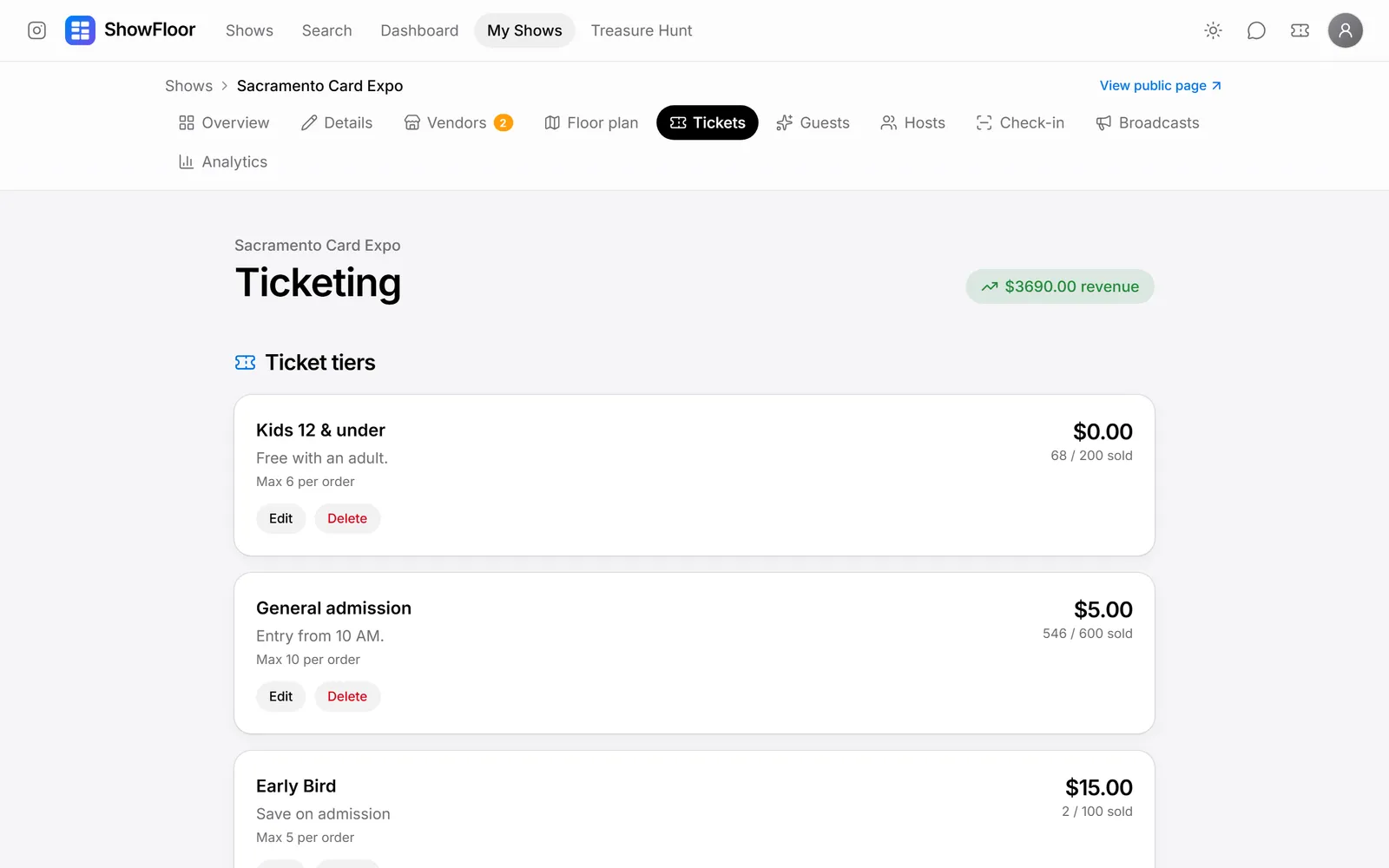
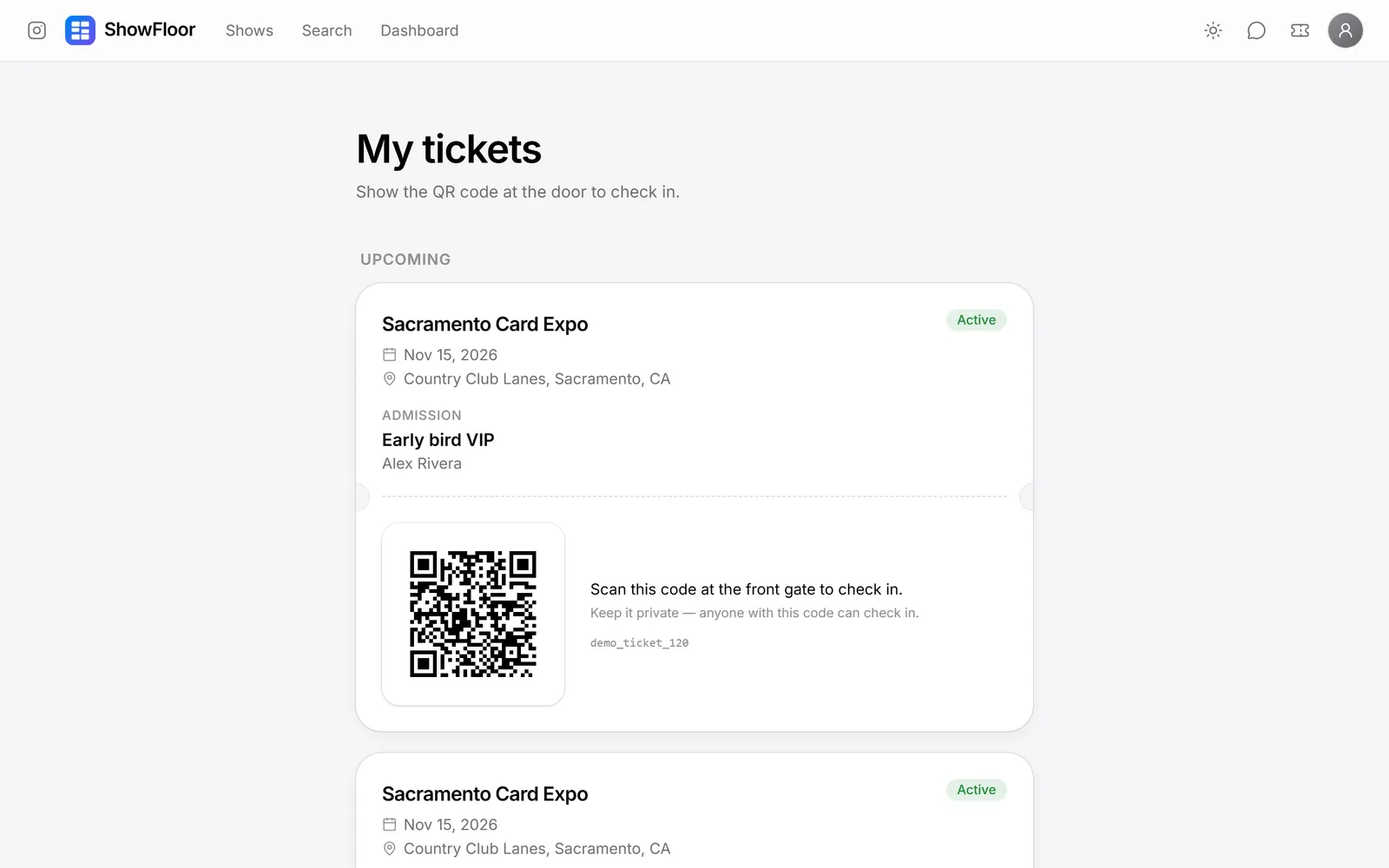
Sell general admission, VIP, multi-day and free tiers with limits per order. Every ticket gets its own QR code in the buyer's account.

Front gate check-in

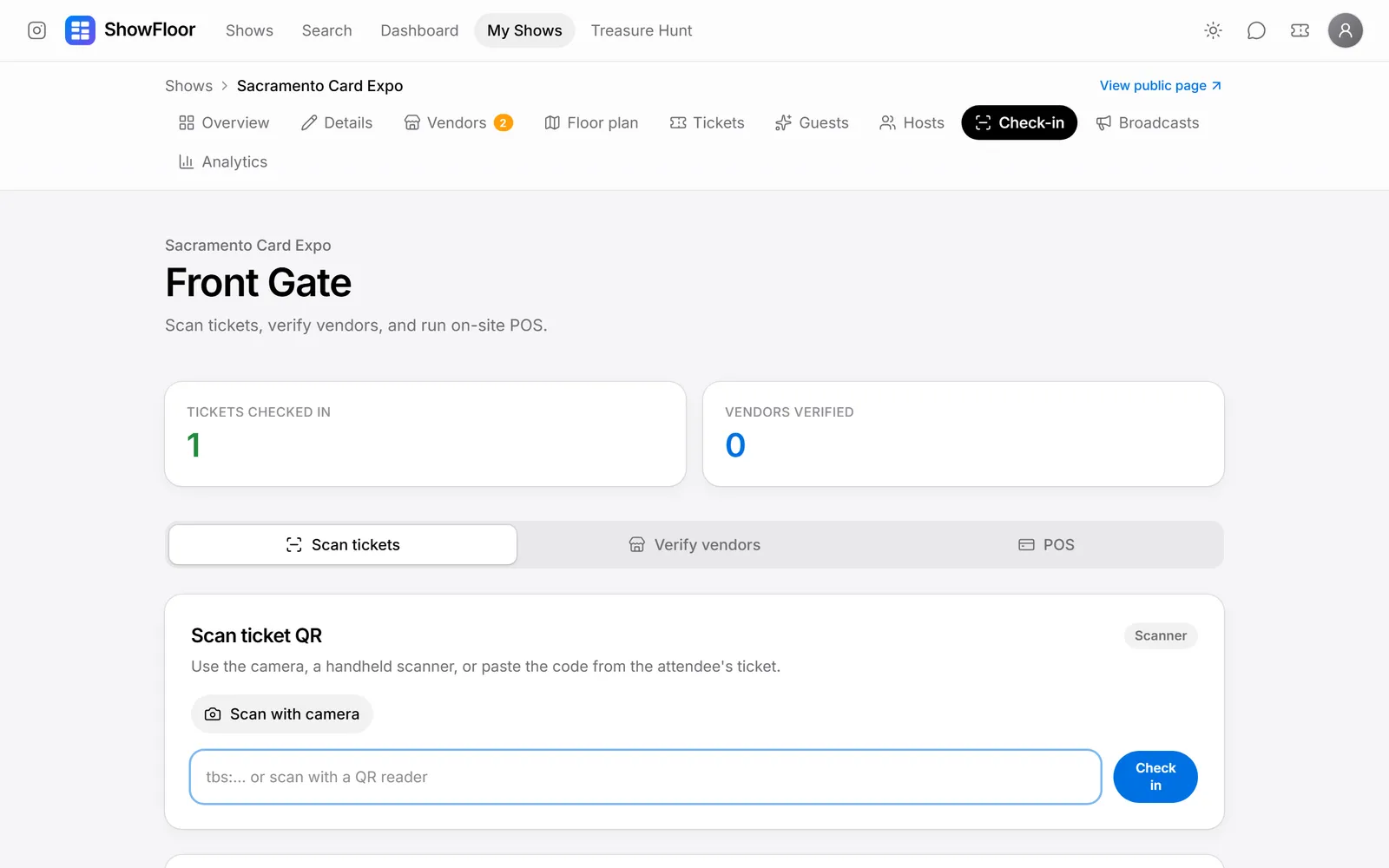
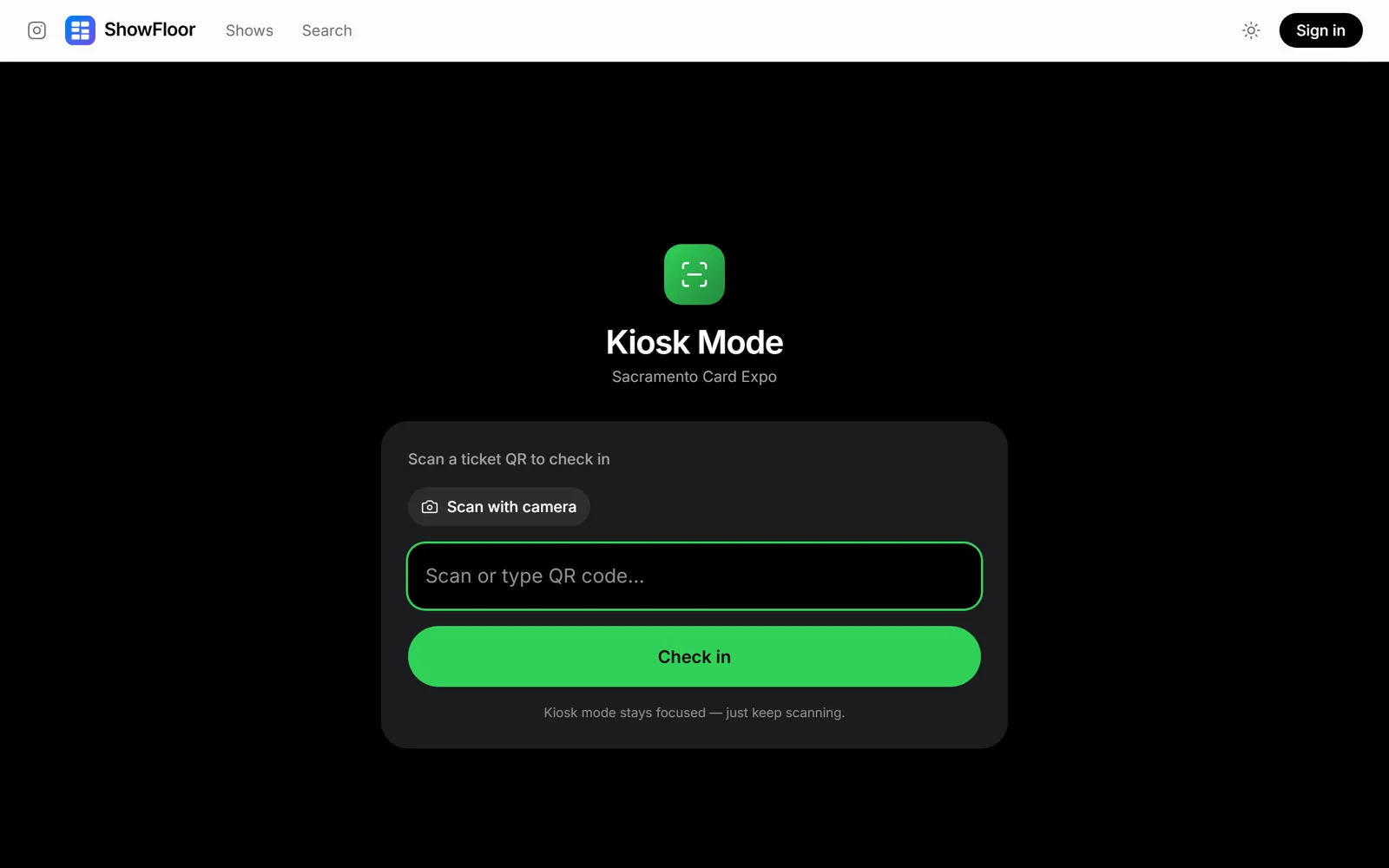
Scan tickets with a phone camera or a handheld scanner, verify vendors as they load in, and track the count live.

Special guests and add-ons

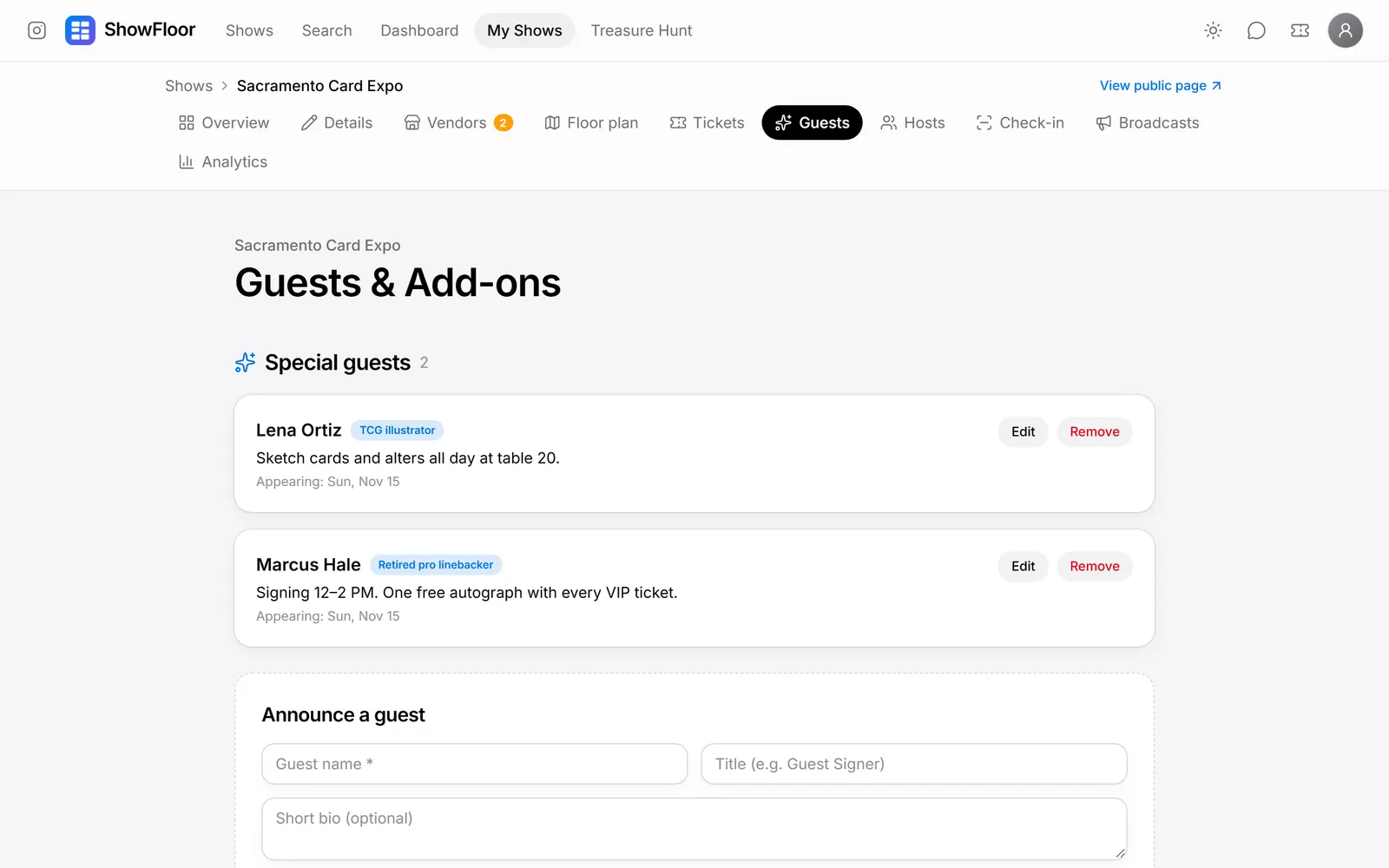
Feature autograph guests and artists with their appearance days, and sell extras like grading drop-off or parking.

Co-hosts

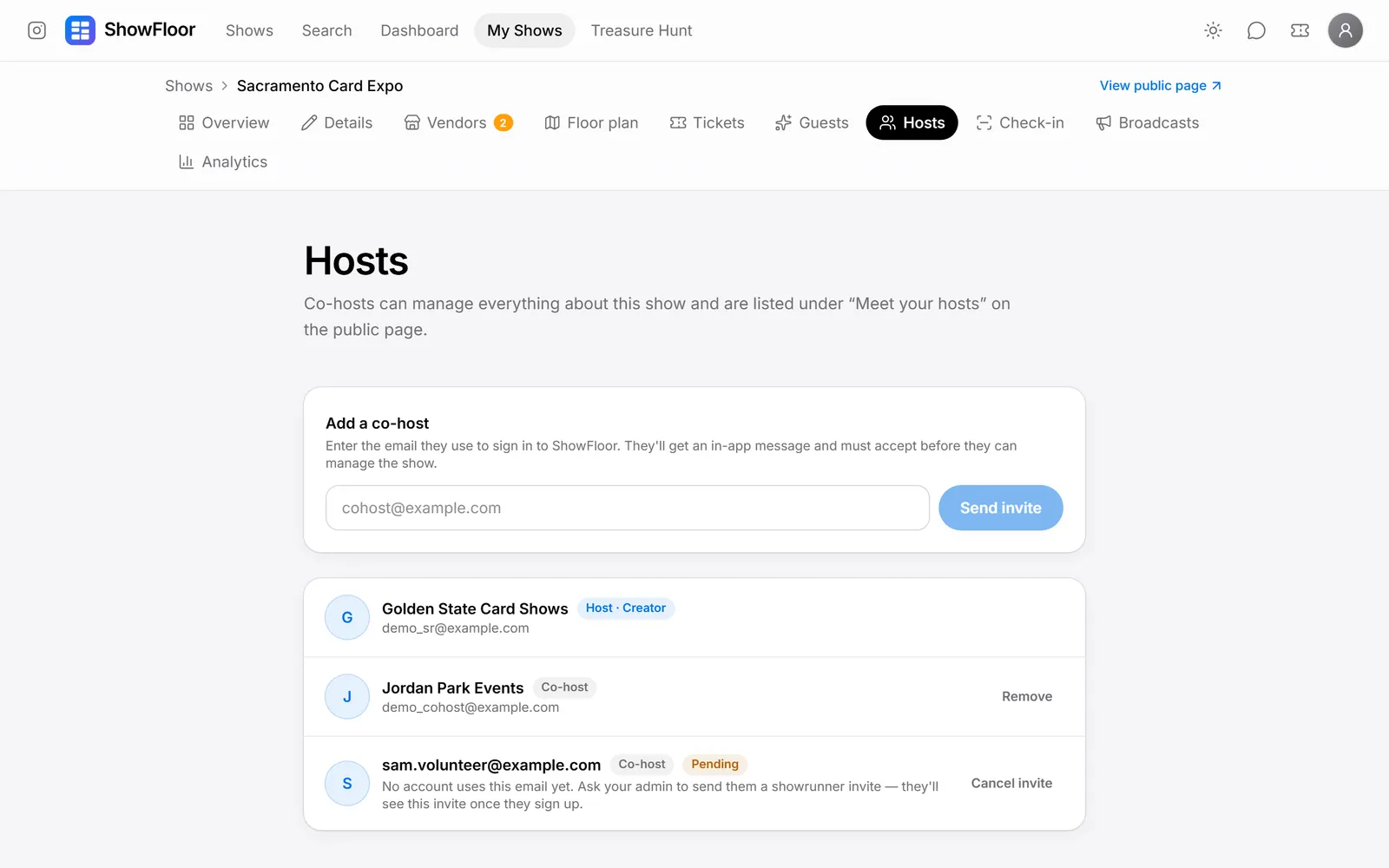
Invite partners to run the show with you. They can manage everything and appear under “Meet your hosts” on the show page.

Broadcasts

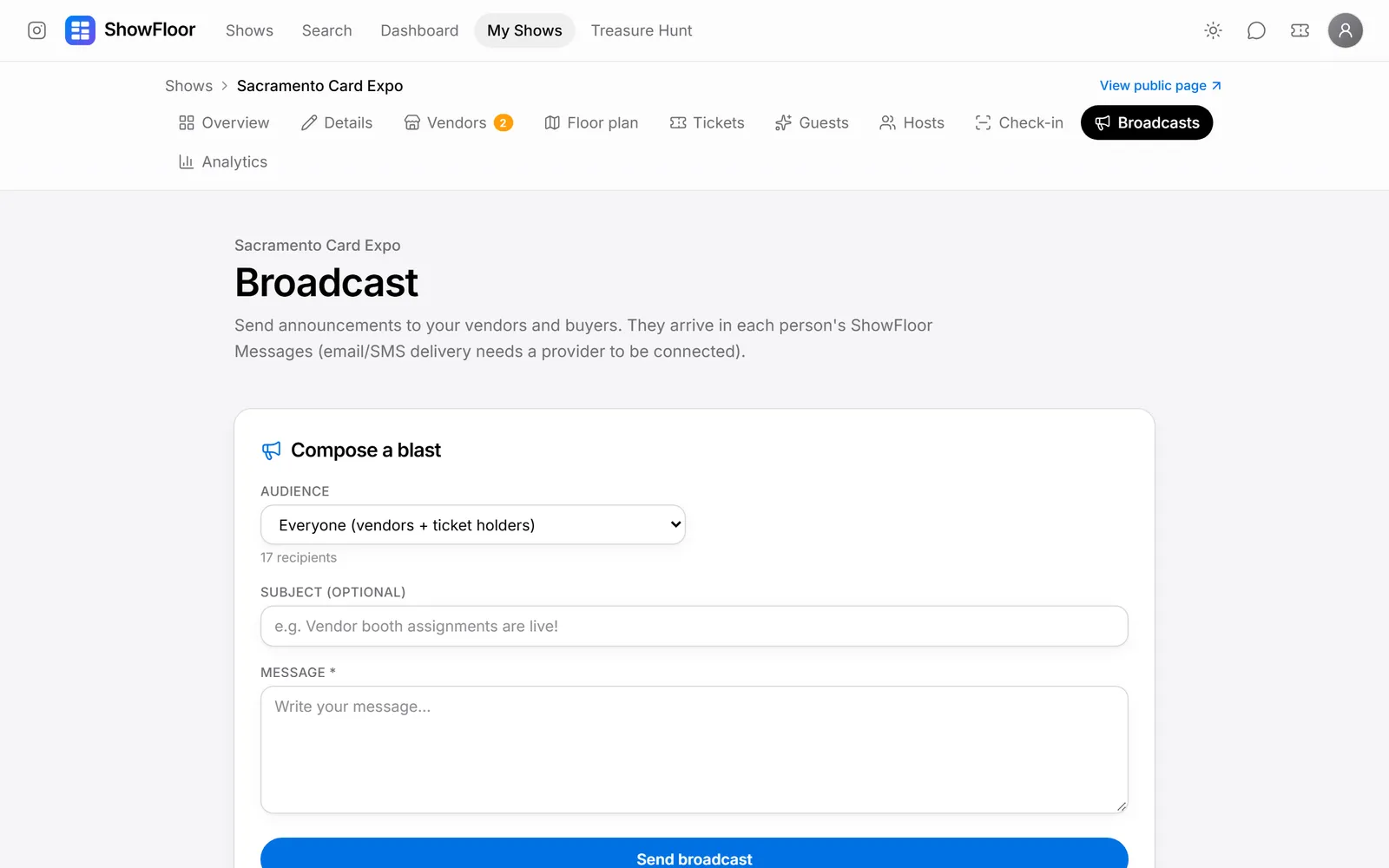
Send announcements to everyone, all vendors, approved vendors or ticket holders, like load-in times or a reminder the week before.

At the show

What buyers and vendors get

Every show you run gives your buyers and vendors their own tools for the day.

Interactive venue map

Tap any table to see the vendor, their socials and what they're bringing. Ticket prices and the vendor application sit right beside it.

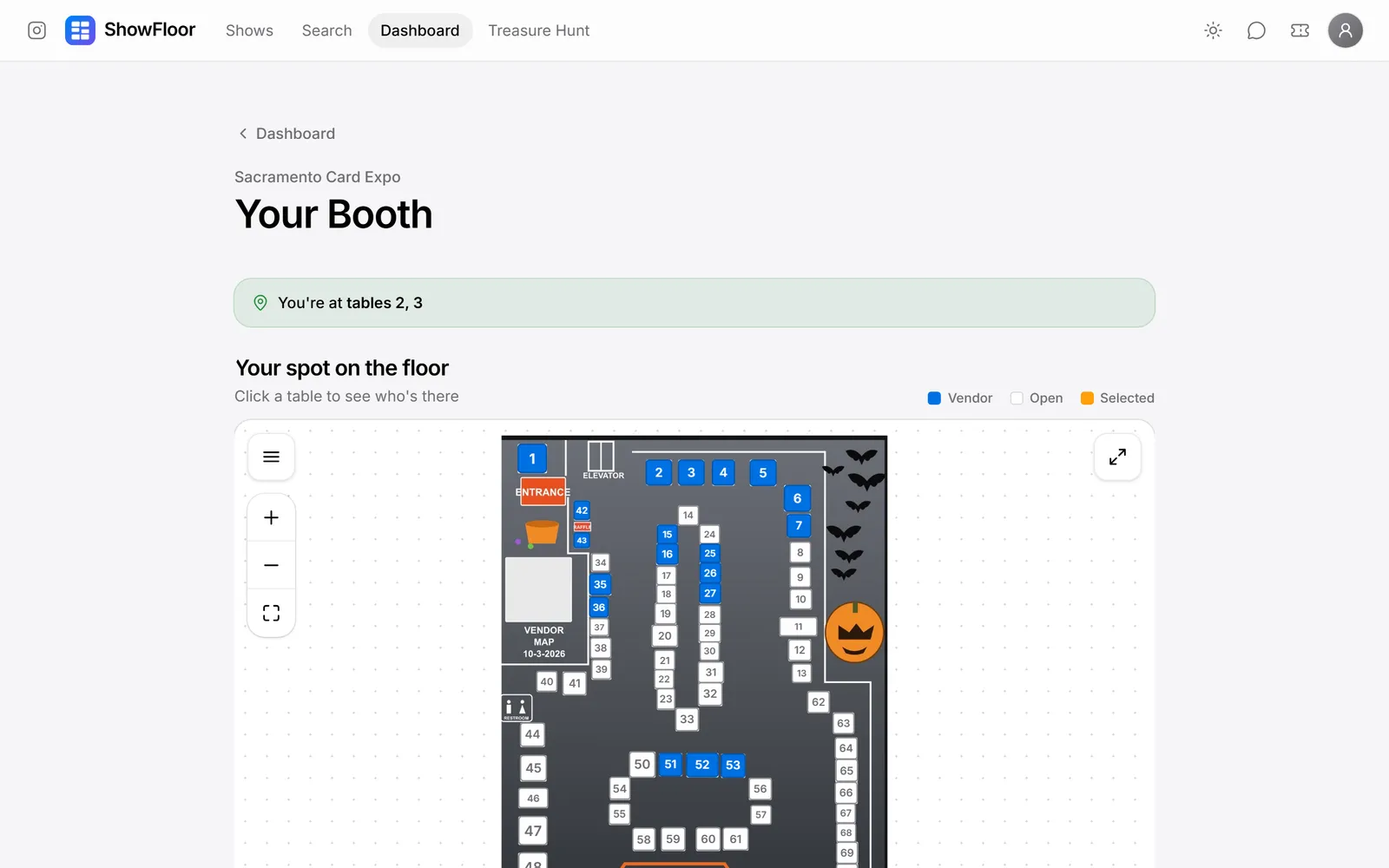
Your booth, for vendors

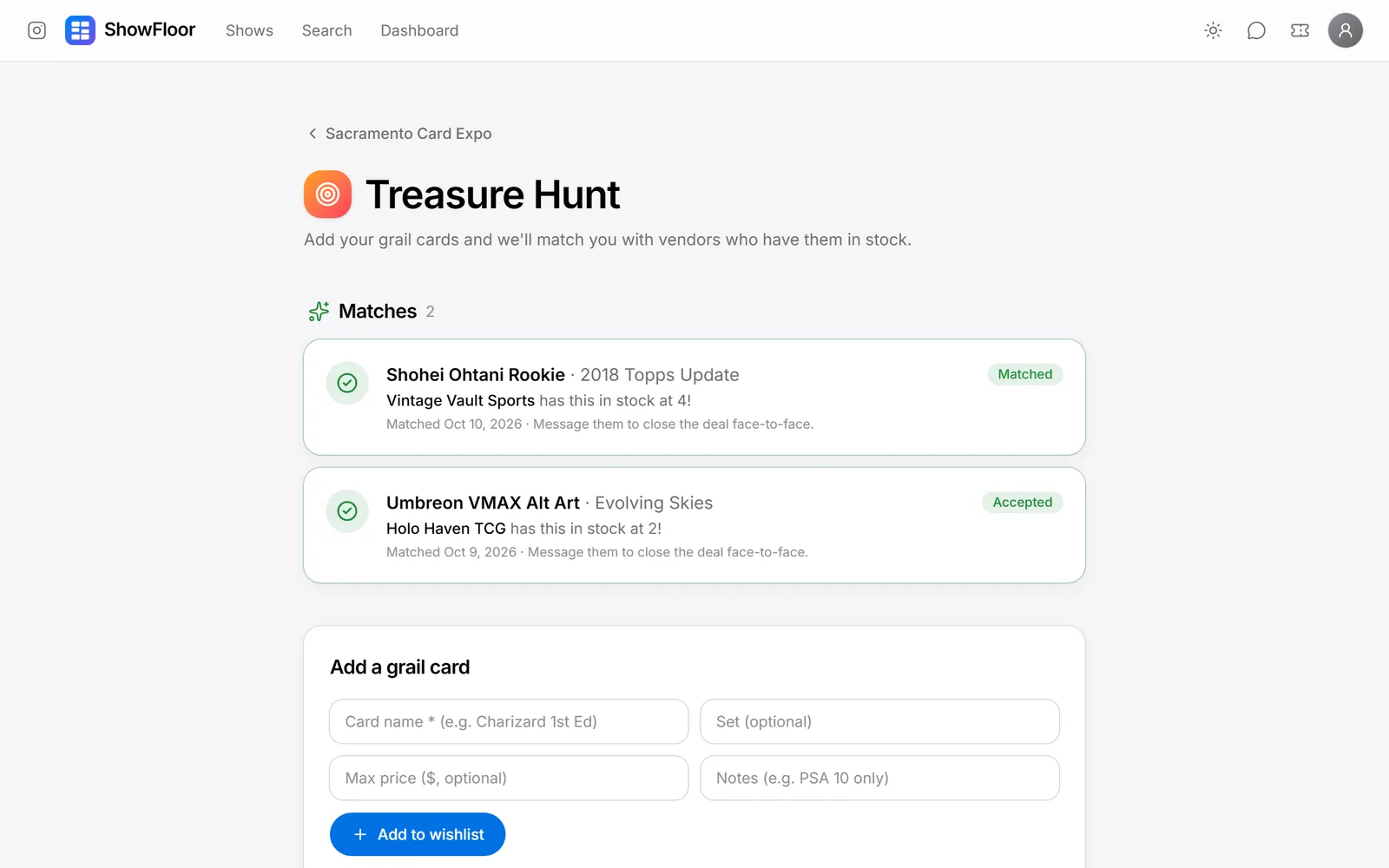
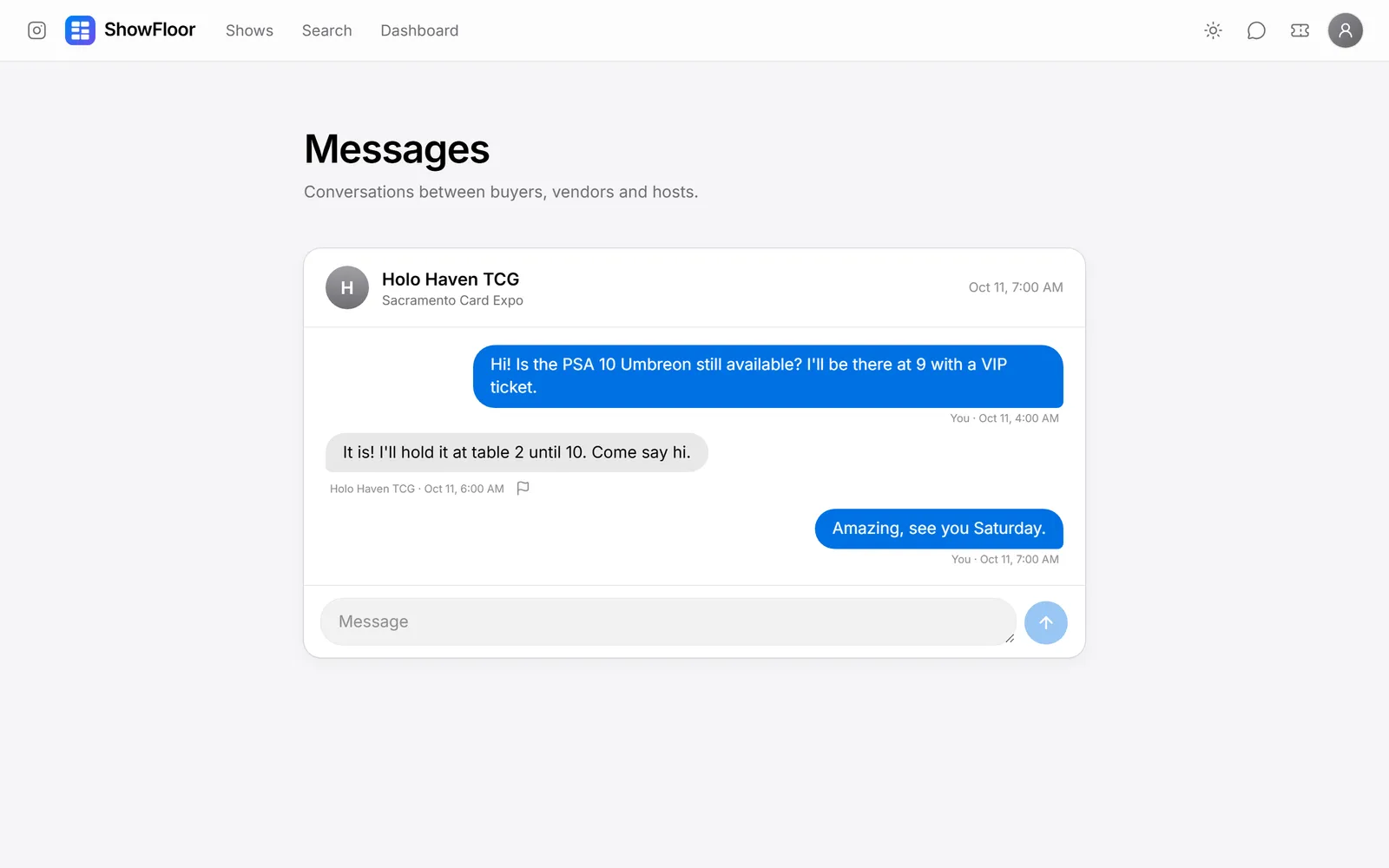
Apply to shows, see where your tables are on the floor, and get matched with buyers hunting for what you sell.

See it for yourself

Find a show near you, or sign up as a vendor to get your Card Back.

Questions? Read the card show FAQ

Screenshots show demo shows and accounts.